So what happens when I take something cool I see and read and jam them together with great attention to typographic detail?
Archives For author

Along with the celebrations across the world, the new calendar brings us a whole new year full of design inspiration.
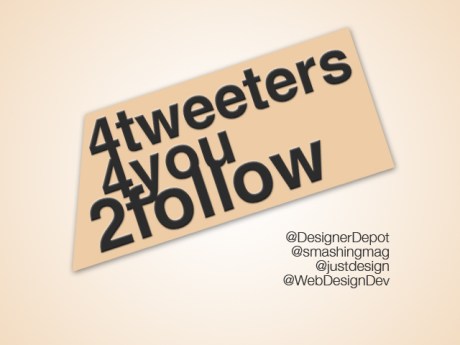
Here are the a few of the sources I follow that provide the best Web Design links and resources.
Web Designer Depot is also a blog. Their twitter not only links to their new and popular articles, but also valuable tools and resources about web design.
Smashing Media is a young and growing company publishing various online magazines as well as electronic and printed books about web design, web development and desktop publishing. Maybe one day some of us will contribute, or even work for them!
“Feeding your need for design related links!” Need I say more?
A clever play on words, Web Design Dev is the ‘division’ you can refer to when looking to expand your web knowledge.
Most of the time I dislike the idea of crowd-sourcing design projects. However, the exception to my rule is cool indie rock bands! One such band is Cold War Kids. They’re releasing a new album in January and are using Creative Allies to get a poster.
Check out my design, vote/comment, and submit your own!

It has been quite a semester. The skills and concepts I learned from working at 352 Media Group this semester were extremely valuable and relevant to my growth as a designer. Constructive criticism has never been taken so well. Learning a new design form is difficult, because while it incorporates lots of things you already know, there are many design elements you don’t know. So I made a lot of mistakes. But in our group critiques we spent hours each week analyzing our designs, learning and growing together.
Sound like something YOU want to do? Apply here!
There are also tons of resources on the web for web design inspiration that were shared with us. The one I found myself browsing the most (thanks to my awesome supervisor, Adam Davis) was Dribbble.
Dribbble is a website where designers post ‘what they’re working on’ and collaborate and share designs, ideas, and trends. Use it to push yourself to the next level!
Here is a final overview of all the designs I created this semester for 352.
Gainesvillains blog redesign:

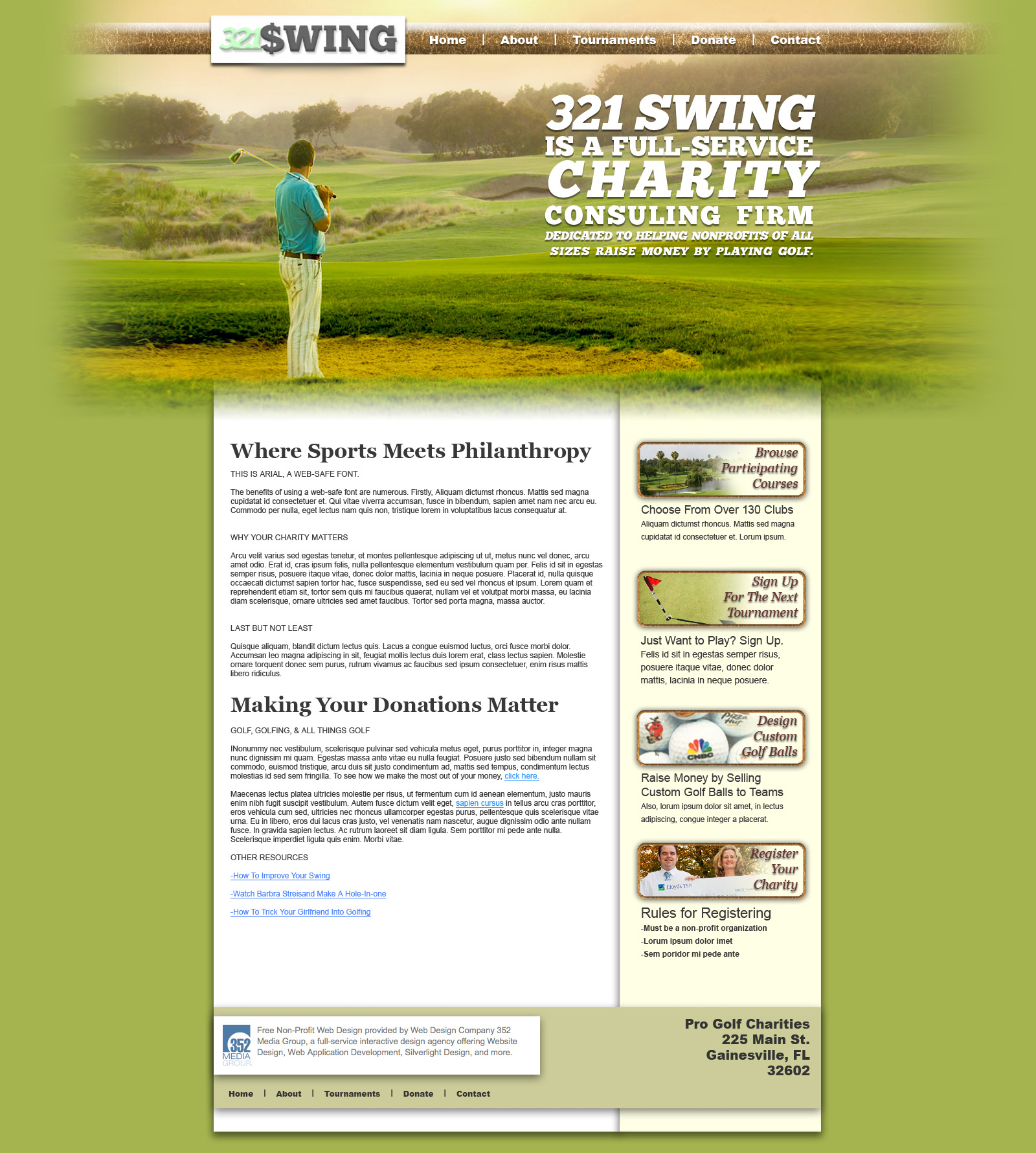
Golf Charity (321 Swing!):

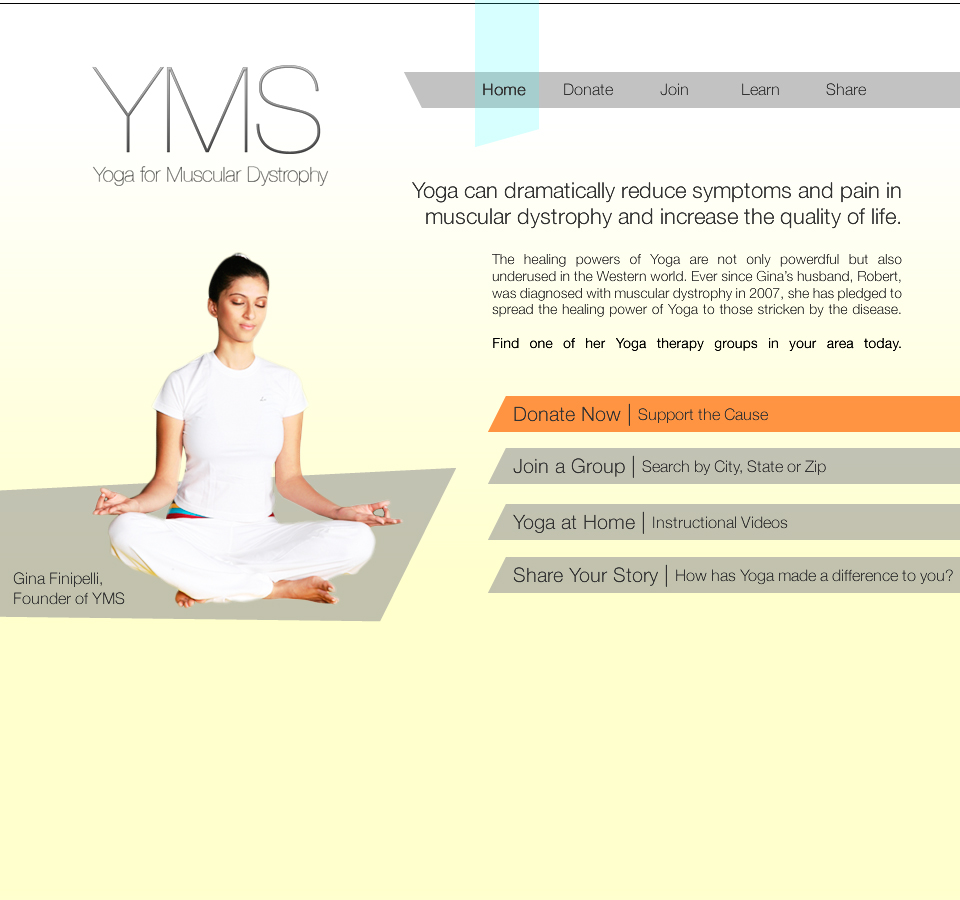
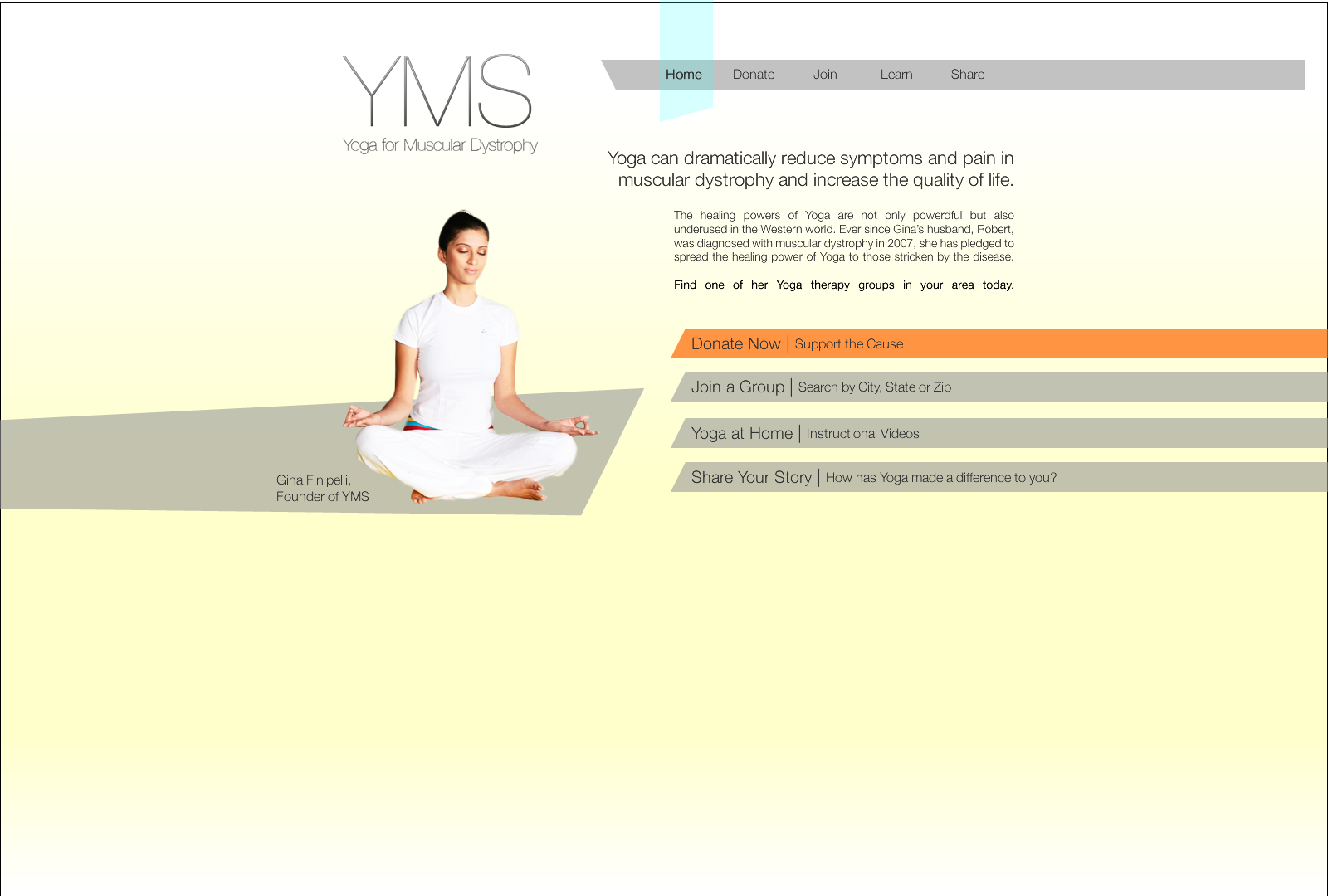
Health Charity (YMS):
Facebook Application Design:

That’s all for this semester with 352 Media!
They are a great company and I encourage anybody interested in Web Design, Marketing, or Programming to apply. Until our sweet facebook applications are implemented- you can learn more and apply online here.
Want to give your creativity a workout? Here’s something fun to try:
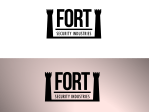
You will create 3 logos for 3 imaginary companies in 45 minutes. First take about 10 minutes to brainstorm on a sheet of paper. Think of 3 industries. Then think of 3 imaginary businesses. Write them down. Think of 2-3 feelings or thoughts you want to suggest through the logo, and make some thumbnail sketches. Think about font, type setting, and the logomark.
Once you have an idea of what you are going for with each idea- jump into illustrator and bust out the pen and type tools. Experiment, break out of your comfort zone. Use some ingenuity. Throw it on a gradient background to make it look beautiful.
Here’s what I ended up with after my 45 minutes:



Do you practice any fun creative exercises?
Is this something you would want to do regularly? Why or why not?
Post your own! Share & collaborate!
So far we’ve made fun websites, charity websites, learned to slice and code a site from PNG, and learned a TON about web design and usability. In the past week, we made another charity website. My final two charity sites are below:
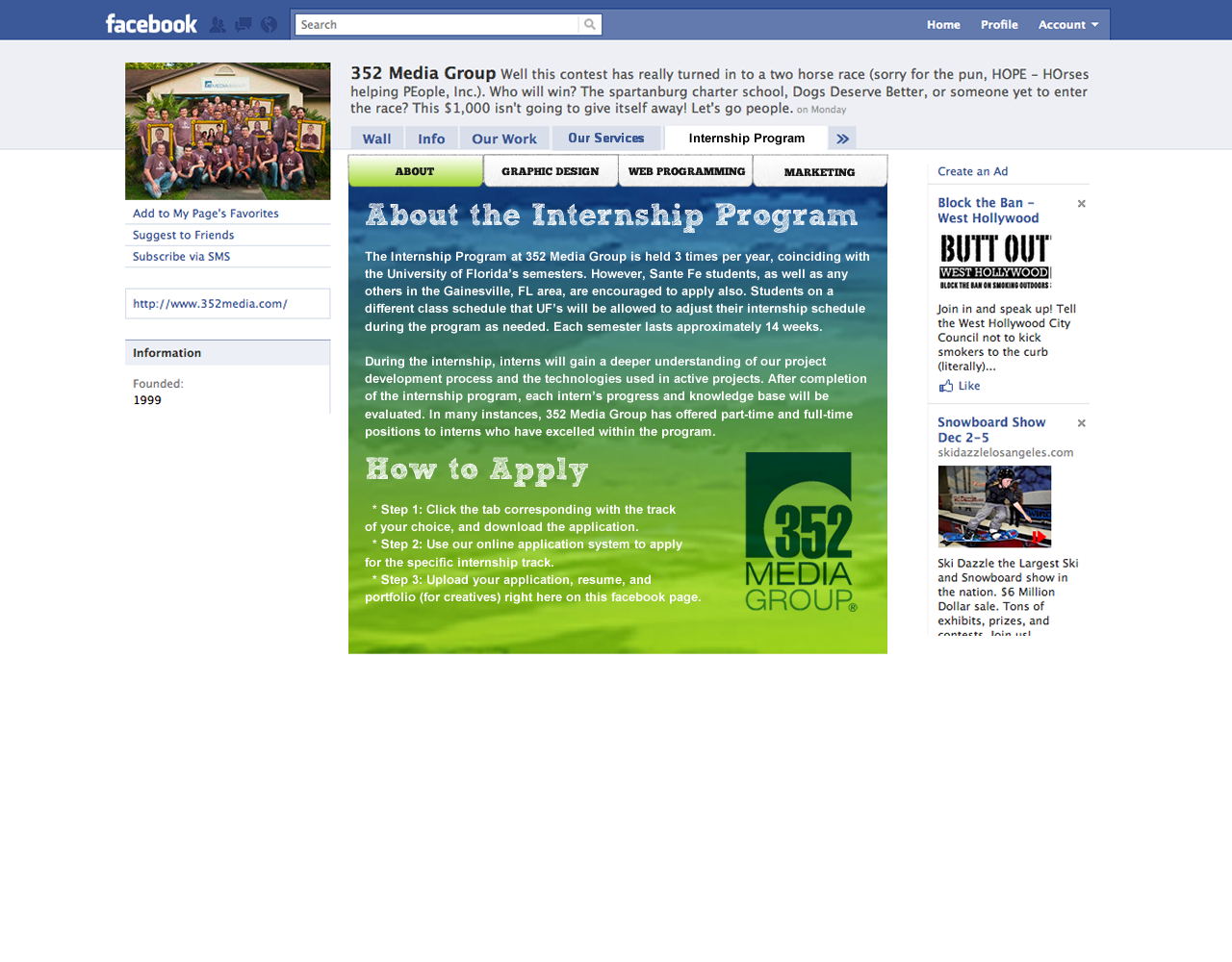
Our new design project involves creating a tab for the 352 Facebook Page- a way for people to apply for an internship online, straight from facebook. Because of the small amount of space, this project presents the opportunity for some really cool information design to take place. Here’s some examples of my first swing at it.
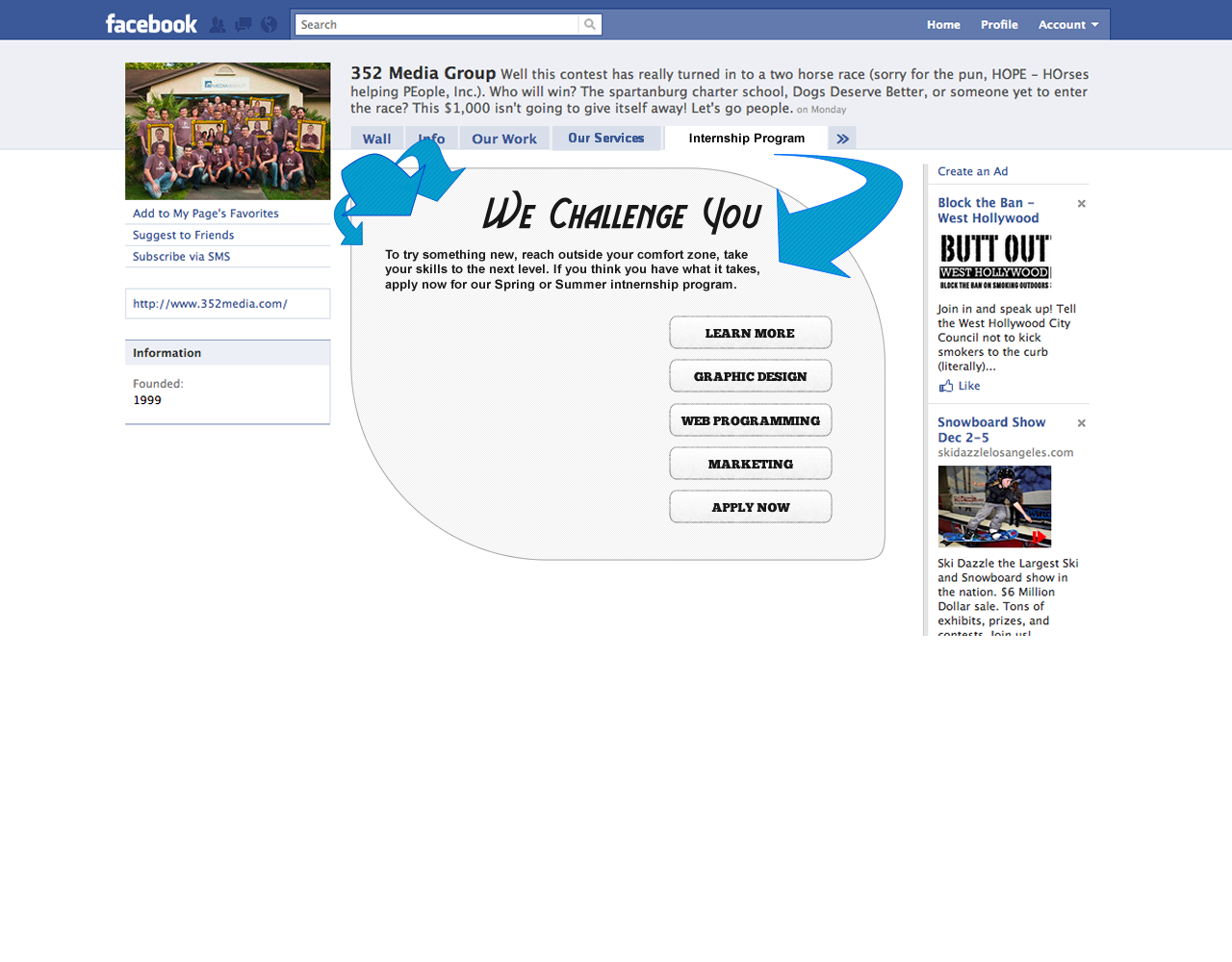 The idea would be that the area on the left would be a variable area where content shifts depending on the tab or section selected on the right. After getting feedback from Adam and the other interns, the following elements need to be changed:
-the font needs to fit in with 352 branding (Sketch Rockwell!)
-the imagery needs to fit in with 352 branding (colors & graphics)
-the application needs to not look like facebook, it blends in too much
-usability may be an issue, the application is intended to be easy and straightforward
After the past week of work, we took a much-needed break for Thanksgiving. Upon our arrival we further critiqued our Facebook applications. Another intern, Nick, has a very good, although long and slightly drawn out, application which inspired me to rework mine from the ground up. Here’s what I ended up with:

After seeing about the program and reading how to apply, applicants can select their tab at the top to learn more about their specific track and apply for that track. All the steps are on one page in a linear, straightforward format. I feel like this design solves the problem of the application process being too complicated or drawn out. We’ll see what they say in critique!
What I’m doing in 352 Media is probably the most career-relevant commitment I’ve ever had. With that said, the past few weeks I have been making great strides in my web design abilities. The updated Gainesvillains site came out looking like this:

Our Second assignment was to design a charity website. One great thing about 352 Media is that they offer free charity websites to non-profit businesses. How cool is that? The client can choose from several different style templates. Take a look at some of the templates they offer: http://www.designyour.org/Design-Templates.aspx
My design used the grid from these templates and looked a little something like this:

Neat header image, large slab serif typography emulates feel of golf

2-Column, Soft colors

It is important to try to not completely use Lorum Ipsum in your designs. 10/10 times it's more interesting to look at!
The Improvements:
After an amazing critique on Friday I did more research and planned out the header. The problem with the first design was it wasn’t captivating enough to make someone stop and want to investigate . The aim of a charity site is often to raise money, and it is advantageous for the viewer to be visually attracted to the design. People are much is more likely to donate to a cause if it provides them with breathtaking visuals. Good design, then, uses these empathic undertones to strike at the chords of their target audience’s heart, prompting an eventual click on the “Donate Now!” button.
With the new header and navigation it looks like this:

More header-body continuity / smoother transition across nav bar to body.
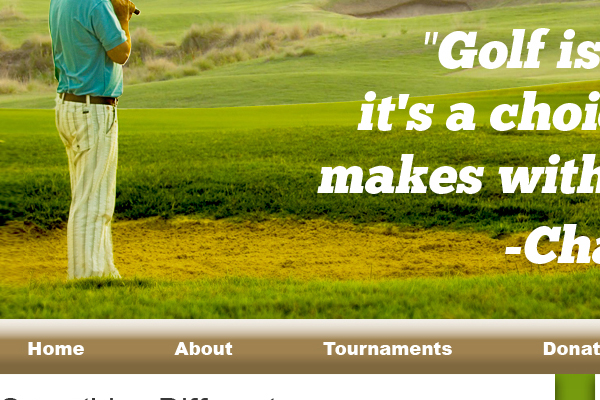
Text improved, more relevant color scheme, still clean and simple
That’s all until next week. So to close, I want to leave you with a thought:
If you are reading this- odds are I’m designing things right now!
-Will
This past week we worked on improving our web designs and another coding lecture. My rework of the website is really coming along. Here are some sneak peak highlights:
 I don’t want to give away too much- this design is going to be great when I’m through with it.
In critique I reviewed other interns’ designs. One point in particular that stuck out in my notes was how to use white space to lead the eye. White space is essential because it is relaxing and allows content to exist. Padding and margins are essential. Links should be action-oriented, so the user knows that clicking them is going to take them somewhere, or do something.
Never in my life have I had such a helpful critique on my work. After speaking with Adam and the other interns, I developed a whole new direction for my website.
Before: A simple, 2 column blog with sub pages.

Before
After: A better designed, simple, 2 column blog with better call to action (buy shirts, navigate the site).

Future: An awesome site with great impressionistic qualities that allow the user to recognize what The Gainesvillains is about instantly just from the feel of the pages. Great usability and intuitive interface, guiding the visitor to the store, the music, or event information- all while maintaining brand image.
Next week I will have a home page and an inner page design.
I can’t wait to get started.
Last week we finished off our group lectures and got our first assignment.
Brent gave an incredibly interesting lesson on coding- I got a great review of basic html and learned some of the finer points of css.
Take home points include:
Firebug is a very useful application that allows you to inspect elements of a web page and see the various code it is composed of.
“@font-face” is a trick used to download fonts to the client browser cache- so that you can use non-web fonts in layouts. It is awesome not only because it loads faster than an image, but it counts as body text, improving SEO for the page as well.
Search Engine Optimization is like doing your taxes. You’re encouraged to ‘optimize’ as much as possible- but ‘cheating’ is strictly prohibited. If caught ‘cheating’ (hidden tags, excessive self-promo, etc.) a site suffers a huge penalty from Google.
Our project is to create a web layout using the 960 pixel grid system. Basically the page needs to be 960 pixels across- including 5 pixel margins and 10 pixel gaps between columns. There’s a great explanation of how this system works here.
I’m planning on creating a new layout for The Gainesvillains. I want to have a maintain the minimalist design but integrate better design elements. My home page’s layout will be able to be constantly updated- keeping the main page fresh, not only keeping fans updated with the latest of Villainous activity but also contributing to SEO.
Stay tuned to see my designs and comments on the critique next week!
 alexmcoyle
 Andrew
 Blake
Blake Will Newton
 cool kids design