Hello, today I am going to walk you through how to make really cool architectural vector-based graphics in Adobe Illustrator.

Step 1: Get a Digital Image

You need a photograph, or other digital image, of the thing you want to stylize. Import this image into Illustrator and make it fill the artboard (Use the Select tool to drag the corner of the image & hold Shift to make sure it stays proportional).

Once you have your image ready, set it to 50% opacity, and lock the layer.

Step 2: On a New Layer, Trace the Image

Make a new layer. Using the line (for straight lines) or pen (for curved lines) tool, trace around the image, giving it form. Try to trace as many details as possible, and be sure to use Shift to make straight vertical and horizontal lines. When you have lines that need to be identical, a neat trick is to simply copy the line with the select tool. This can be done by holding Option (Control for PCs) and clicking and dragging on the line. Continue making lines until you have enough detail to bring your image to life. Feel free to bend the rules, or add your own touches; after all, that’s what being creative is all about!

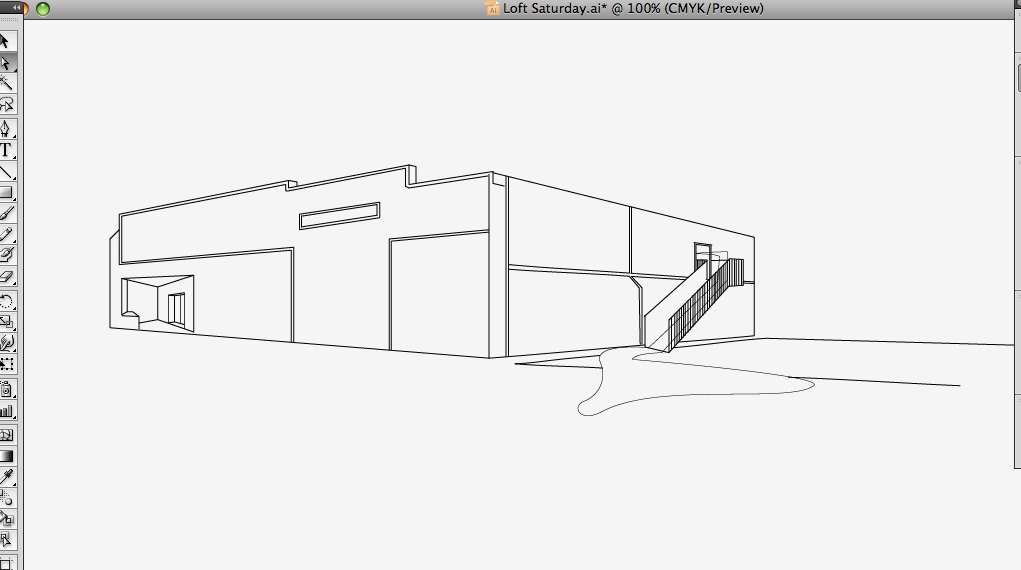
When you think you are finished tracing, hide the image layer below and behold your creation!

Step 3: The Final Touches

You’re almost done. This last part is just for kicks, to add an extra element or two to complete your design. Incorporate your image into a poster, add text, add color, do whatever you want. As you can see below, I made a flyer with a stylized ‘map’ showing the location of a club that is a little tricky to find. Not anymore, thanks to my graphic!

My final graphic, incorporated into a promotional flyer.

My overall feeling towards our esteemed benefactors. Unfortunately, the combination of a sudden fever and a late day of classes means I’ll have to postpone my more ambitious and time-consuming ideas. In the meantime, here’s a little something for you. That’s two political posts in a row. Interesting, no?

Hey, thanks guys!

Logo in use for the site Gville.Net. The website is the home domain for a series of blogs associated with different aspects of what Gainesville has to offer. To keep the text-based layout modern and uncluttered the logo symbolically represents a network through the molecular “G,” allowing it to also be used as a watermark for associated branding, pictures, and videos.

I’m back again. I should start getting on here more often. Anyway, whenever I get the chance, I enjoy reading Cyanide and Happiness comics. If you haven’t checked them out, you really should. I’ve had a couple of (hopefully) amusing ideas brewing in my head lately, so I decided to try my hand at making a comic, a la C&H. Enjoy.


Sculpture composed through layers of gears, creating a monumental clock. The quote on the arms state a quote from Herbert Hoover, “About the time we make ends meet, somebody moves the ends,” quoted during the Great Depression. The hands point towards 5 o’ clock addressing the 9:5 jobs, currently suffering in the economy. Despite these hard time workers continue on day after day, with the aspiration that one day their slice of the elusive American Dream will become a reality.

Sometimes I enjoy walking about campus during the day, for no particular reason. It’s nice to enjoy the weather and just look at people. I wonder what they’re all doing. I know that I’m doing nothing, just exploring my world. It’s like I’ve got a little secret.

My walk being relatively inconclusive, I later felt the urge to expand beyond my daily designing and do some pro-bono work. While the new Twitter layout improves Twitter’s functionality, it allows for much less design space- hardly over 100 pixels. Total lamesauce if you ask me. Regardless, this design will look great when implemented.

Click for full size.

Oh yeah, and here’s my design of the day.

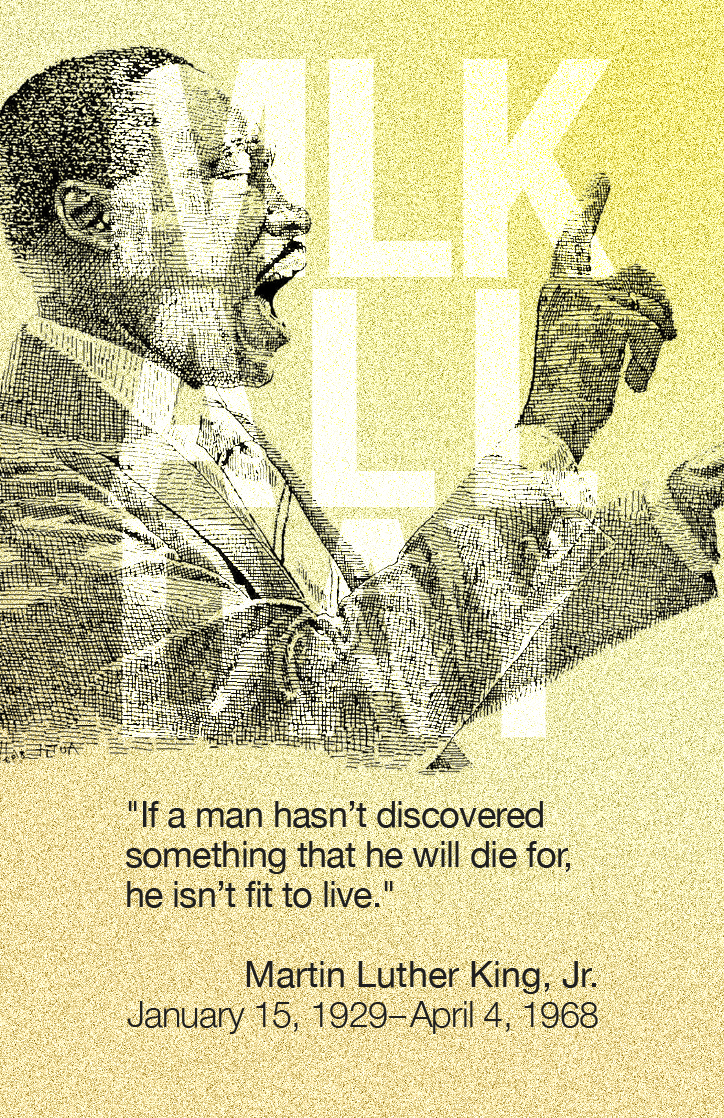
So what happens when I take something cool I see and read and jam them together with great attention to typographic detail?

Along with the celebrations across the world, the new calendar brings us a whole new year full of design inspiration.

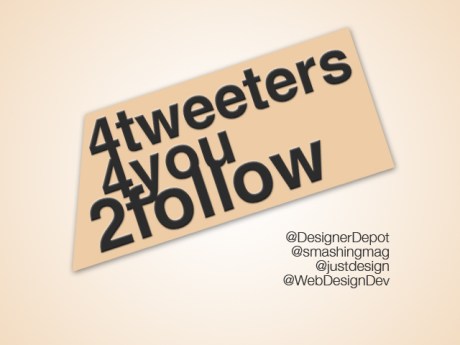
Here are the a few of the sources I follow that provide the best Web Design links and resources.

1. Web Designer Depot

Web Designer Depot is also a blog. Their twitter not only links to their new and popular articles, but also valuable tools and resources about web design.

2. Smashing Magazine

Smashing Media is a young and growing company publishing various online magazines as well as electronic and printed books about web design, web development and desktop publishing. Maybe one day some of us will contribute, or even work for them!

3. Just Design

“Feeding your need for design related links!” Need I say more?

4. Web Design Dev

A clever play on words, Web Design Dev is the ‘division’ you can refer to when looking to expand your web knowledge.

Most of the time I dislike the idea of crowd-sourcing design projects. However, the exception to my rule is cool indie rock bands! One such band is Cold War Kids. They’re releasing a new album in January and are using Creative Allies to get a poster.

Check out my design, vote/comment, and submit your own!